 SHEET MUSIC PRO
Your whole music library, on one tablet.
Read PDFs and MusicXML, hear every part, turn pages with a tap — built for players, choirs and gigging bands.
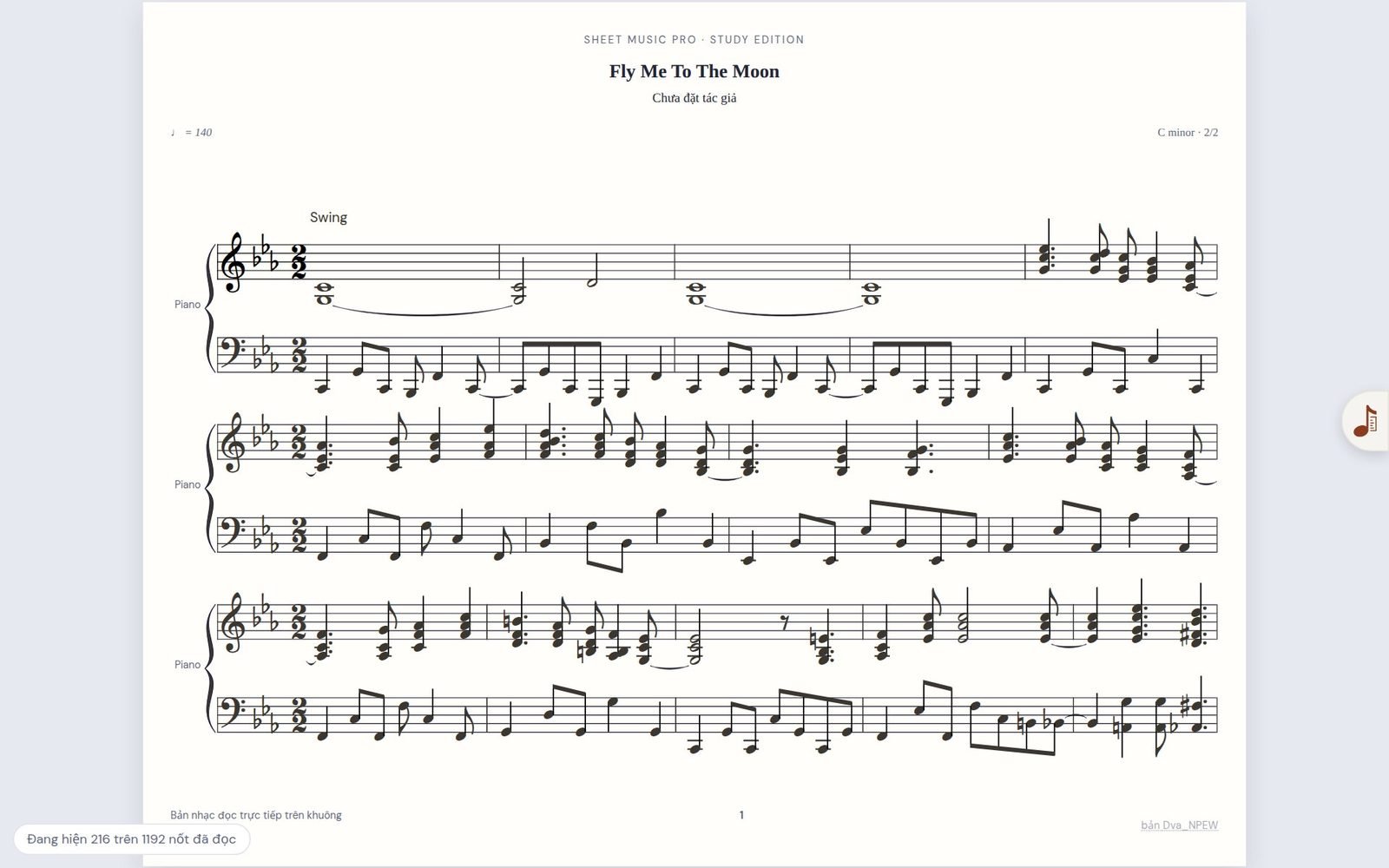
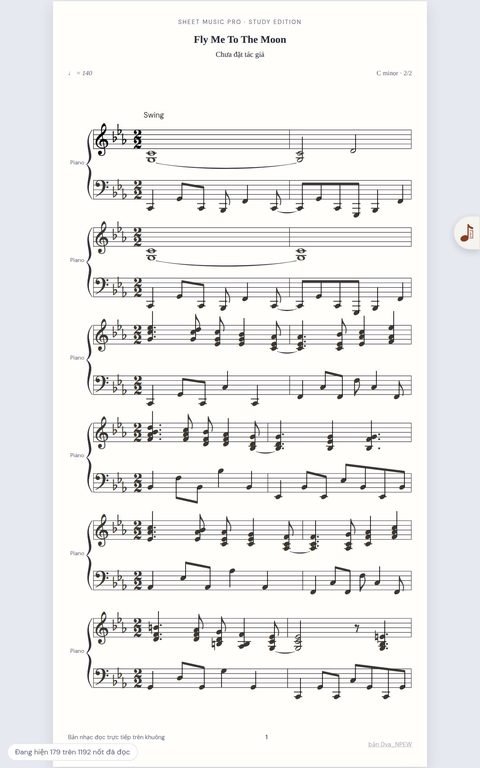
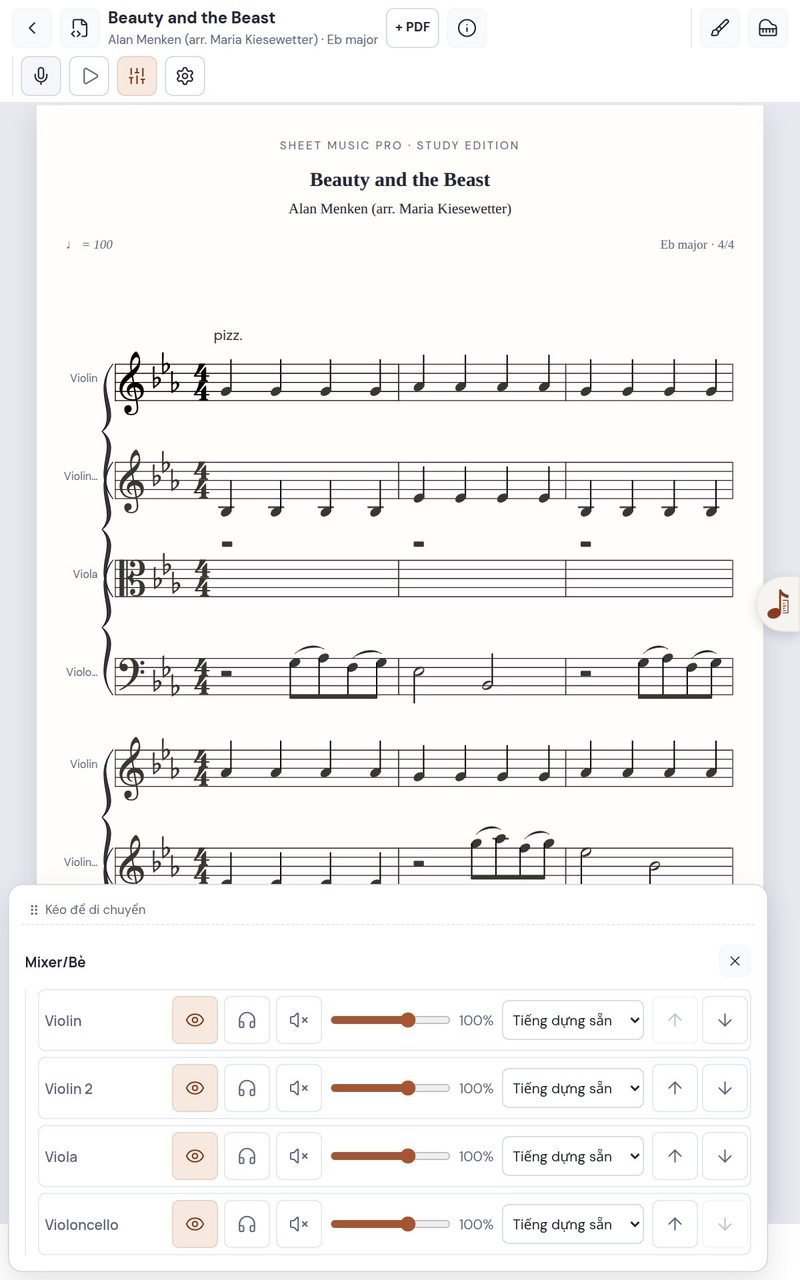
Mix every part like a studio.
Mute, solo and set the volume of each part, then hear the whole piece played back with real instrument sounds.
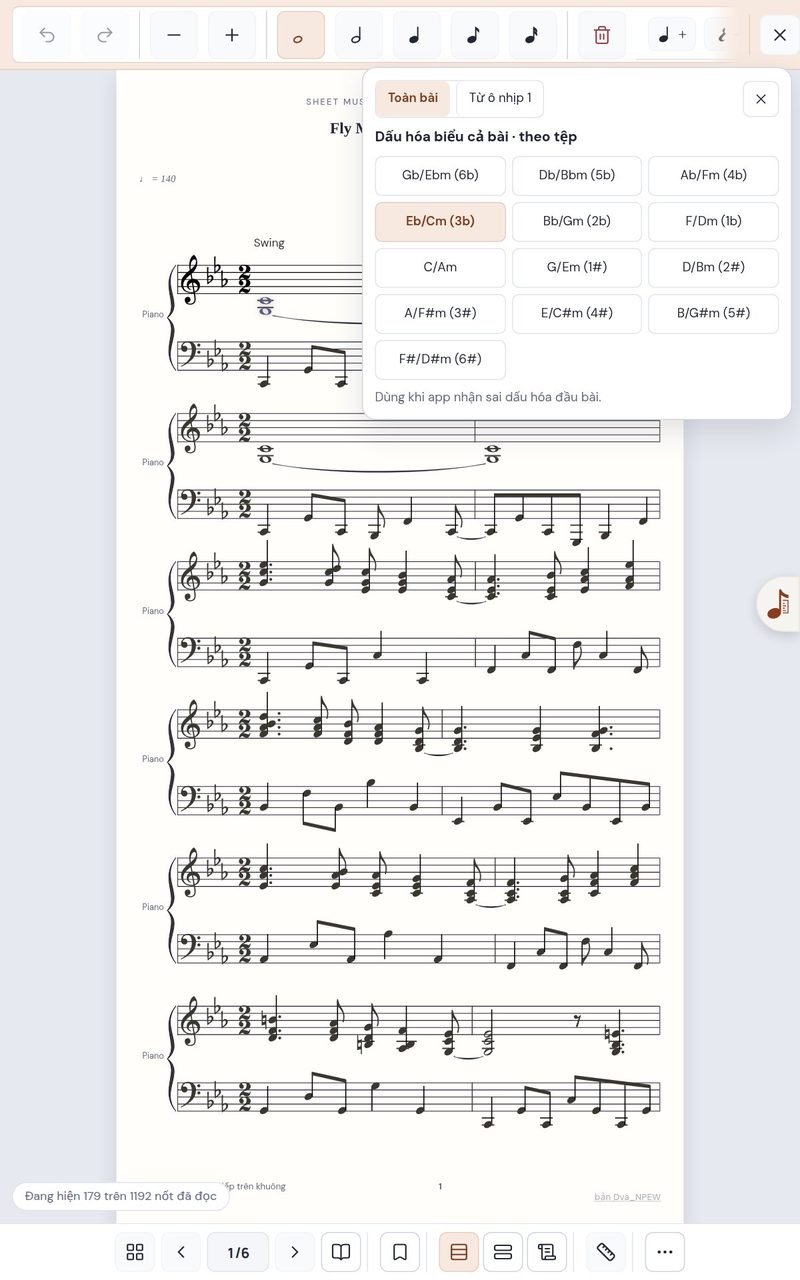
Fix it right on the staff.
Change notes, durations, key signatures and key changes in a few taps.
Floating widgets, right over your score.
Metronome, Tuner and Playlist open on top of the page and can be dragged anywhere — no need to leave the song you're reading.
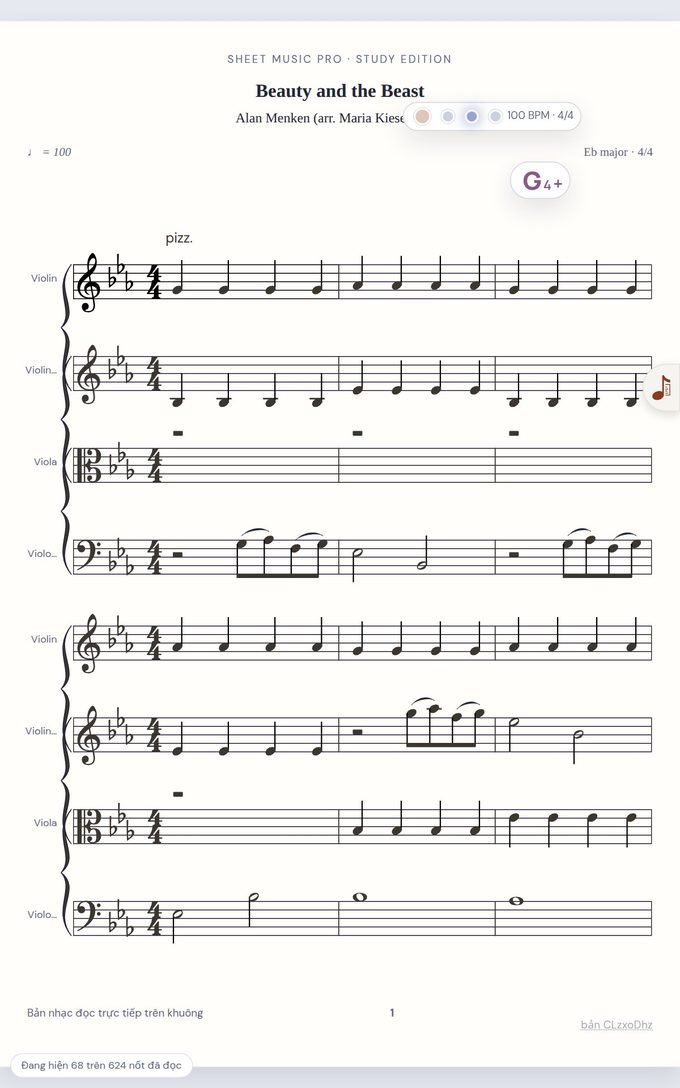
Pin four beat lights to the page.
Read and watch the beat flash in time — mute the click and still keep tempo.
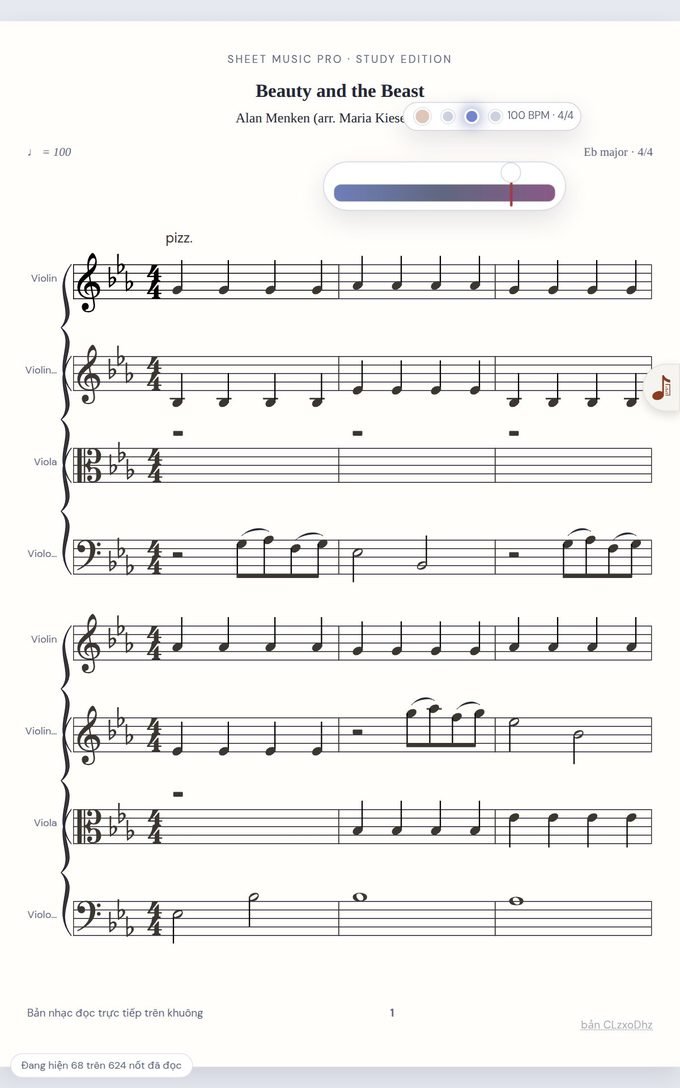
Three sizes, pin it anywhere.
A full window, a compact pitch readout, or a slim cents bar — drag it to whichever corner suits you.
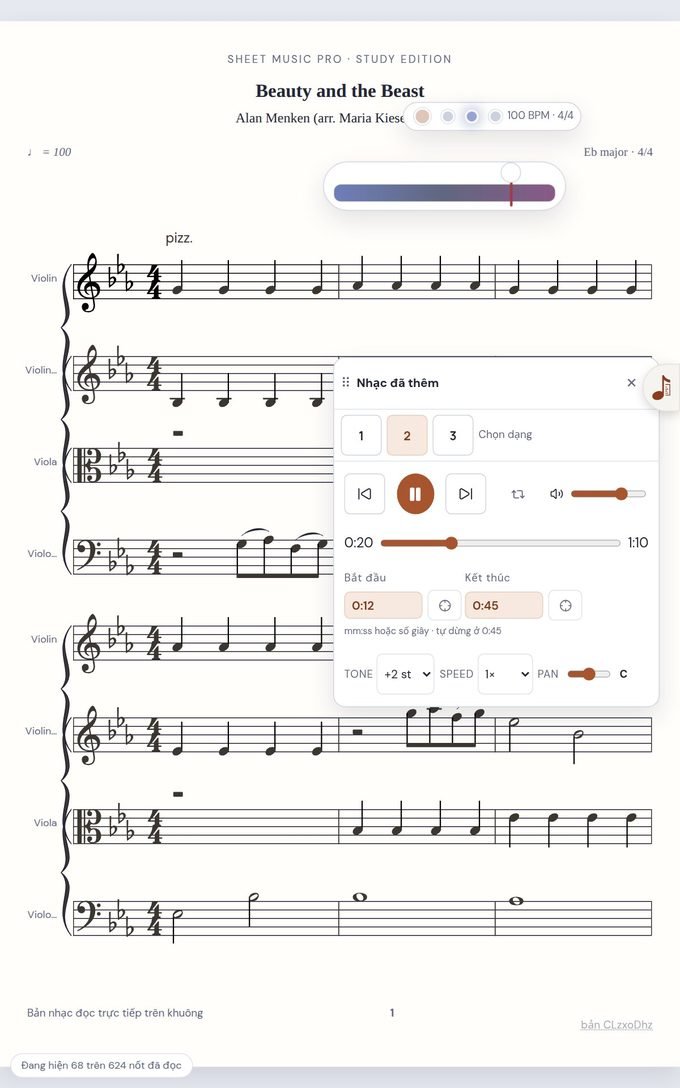
Change key, loop the tricky bit.
Attach a recording to a song, transpose ±12 semitones, change speed, and loop just 0:12 → 0:45.
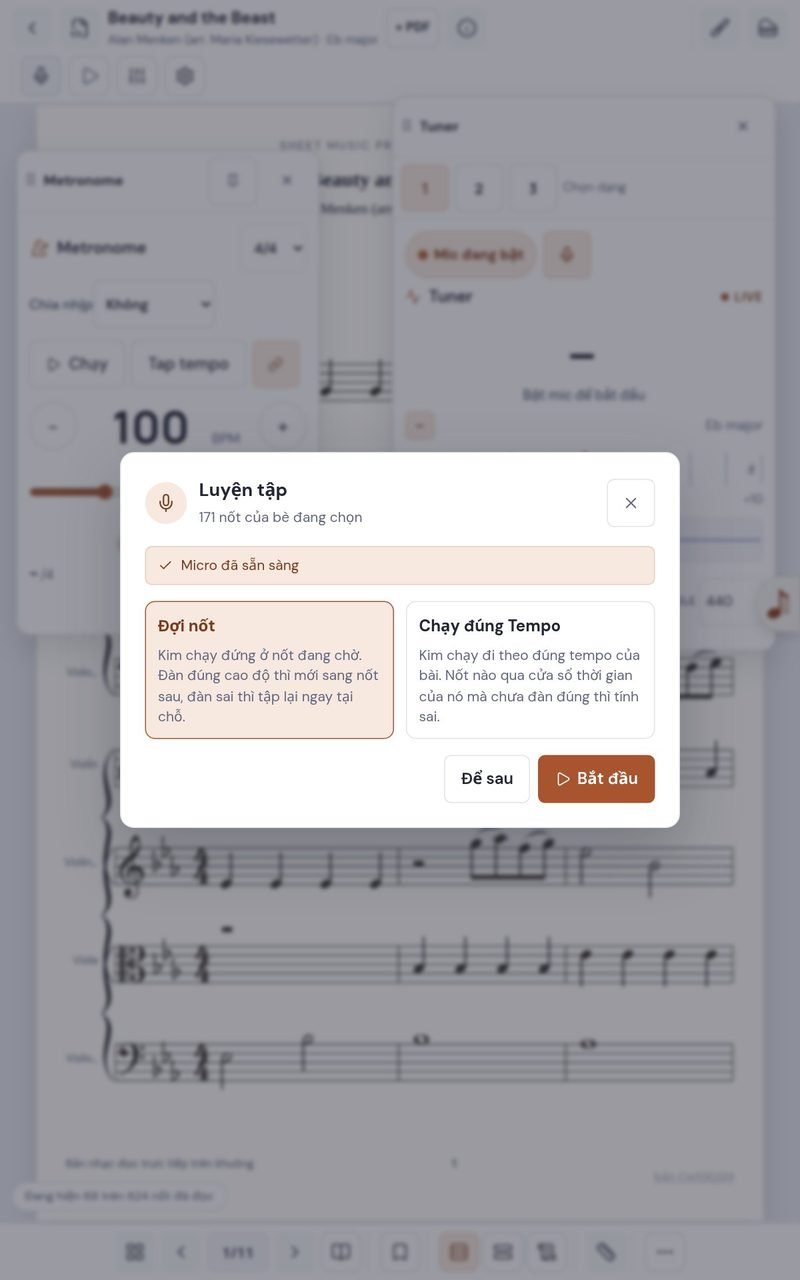
The app listens to you play — and scores it.
Turn on the microphone and play along with the score. Right notes light up green, wrong ones flag red, and at the end you get a score plus the spots worth another run.
The playhead waits until you hit the right note — perfect for working through a phrase slowly.
The playhead moves at the song's tempo; late and wrong notes both count.
171 notes · 157 correct
The leader turns the page. Everyone follows.
The leader opens a band room on their tablet. Every device on the same Wi-Fi that joins follows along instantly: the open song, the current page, and the leader's circles and notes show up on each member's screen. No internet needed.
- The leader opens a roomOne tap on the leader's tablet shows a QR code and a 4-digit room code.
- Everyone joinsScan the QR code, type the room code, or pick the room from the list — it takes seconds.
- Follow the leaderSong changes, page turns, circles and notes reach every device instantly. After the session, each member saves the annotated copy to their own device.
Free trial and Pro
Read music as much as you like for free. The deeper tools come with Pro.
| Feature | Free trial | Pro |
|---|---|---|
| Read PDF, images, MusicXML · page turns · annotations | ✓ | ✓ |
| Metronome, Tuner, transpose | ✓ | ✓ |
| Library | 10 songs | Unlimited |
| Playback with instrument sounds | 20 seconds | ✓ |
| Import MIDI files | — | ✓ |
| Edit notes, key signatures, layout | — | ✓ |
| Per-part mixer, SoundFonts | — | ✓ |
| Microphone practice with scoring | — | ✓ |
| Setlists | 1 setlist | Unlimited |
| Band room over Wi-Fi, song pack import/export | — | ✓ |
Pick your version
Start with the free trial today. Pro is on its way to Google Play.
Free trial
No sign-up needed
- Full sheet music reader
- 10 songs, 1 setlist
- 20-second playback preview
Pro
Every tool on this page, with no limits on songs or setlists.
- Unlimited library and setlists
- Full playback, mixer and note editing
- Microphone practice and band room
Frequently asked questions
How do I buy Pro?
Pro is coming to Google Play soon, where you'll pay with your usual Google account. Until then, the free trial is yours to use. Customers in Vietnam can already buy Pro by VietQR bank transfer.
Can I try it before I pay?
Yes — that's what the free trial is for. It reads music without restrictions, so you can check that the app suits your device and your scores before upgrading.
Can I get a refund?
Purchases made on Google Play follow Google Play's refund policy, and you can request a refund from your Google Play order history. If Pro doesn't work on your device and we can't fix it, contact us. Details are in our Terms of Use.
Which devices does it run on?
Android tablets and phones running Android 8.0 or later. It's designed for tablets — portrait orientation shows a full page of music.
How do I install it?
From Google Play, or by downloading the APK directly from this page. For the APK: open the downloaded file, allow installs from this source when Android asks, then tap Install. Later versions install over the top without losing your library.
Is the app available in English?
Yes. The interface comes in English and Vietnamese and follows your device's language.
Does it run on iPad or a computer?
Not yet — Sheet Music Pro is Android-only for now.
Where is my library stored?
On your device. There's no account and no sign-up, and your scores are never uploaded to our servers. To move songs between devices, export a song pack or back up your library.
What does the app use the microphone for?
Only for features that listen to you, like the Tuner and microphone practice. Audio is analyzed on the device in real time and is not sent anywhere.
Does the band room go over the internet?
No. Devices talk to each other directly over your local Wi-Fi network, and only while they're in the same room.
How do I delete my data?
Everything lives on your device, so uninstalling the app removes it. See Delete your data and our Privacy Policy for the details.
Do I need an internet connection?
No. Scores, playback sounds, the metronome and the tuner all run on the device — it works on a stage with no signal.
What file formats can I open?
PDF, images (photos of your sheet music), MusicXML and MIDI. Export MusicXML or MIDI from MuseScore, Finale or Sibelius and you get crisp, editable staves you can play back part by part.
What are the limits of the free trial?
The reader is complete. The library holds 10 songs and 1 setlist, playback stops after 20 seconds, and MIDI import, note editing, the mixer, microphone practice and the band room need Pro.
Can I use a page-turn pedal?
Yes. Turn pages with a tap on the screen or with a Bluetooth page-turn pedal.